
Features
HelperIQ extends LibreDesk with features focused on AI-assisted replies, ecommerce context, and workflow ergonomics for high-volume support teams.
Coming soon
Per-feature deep-dives are planned. For now, here's the overview:
AI / RAG
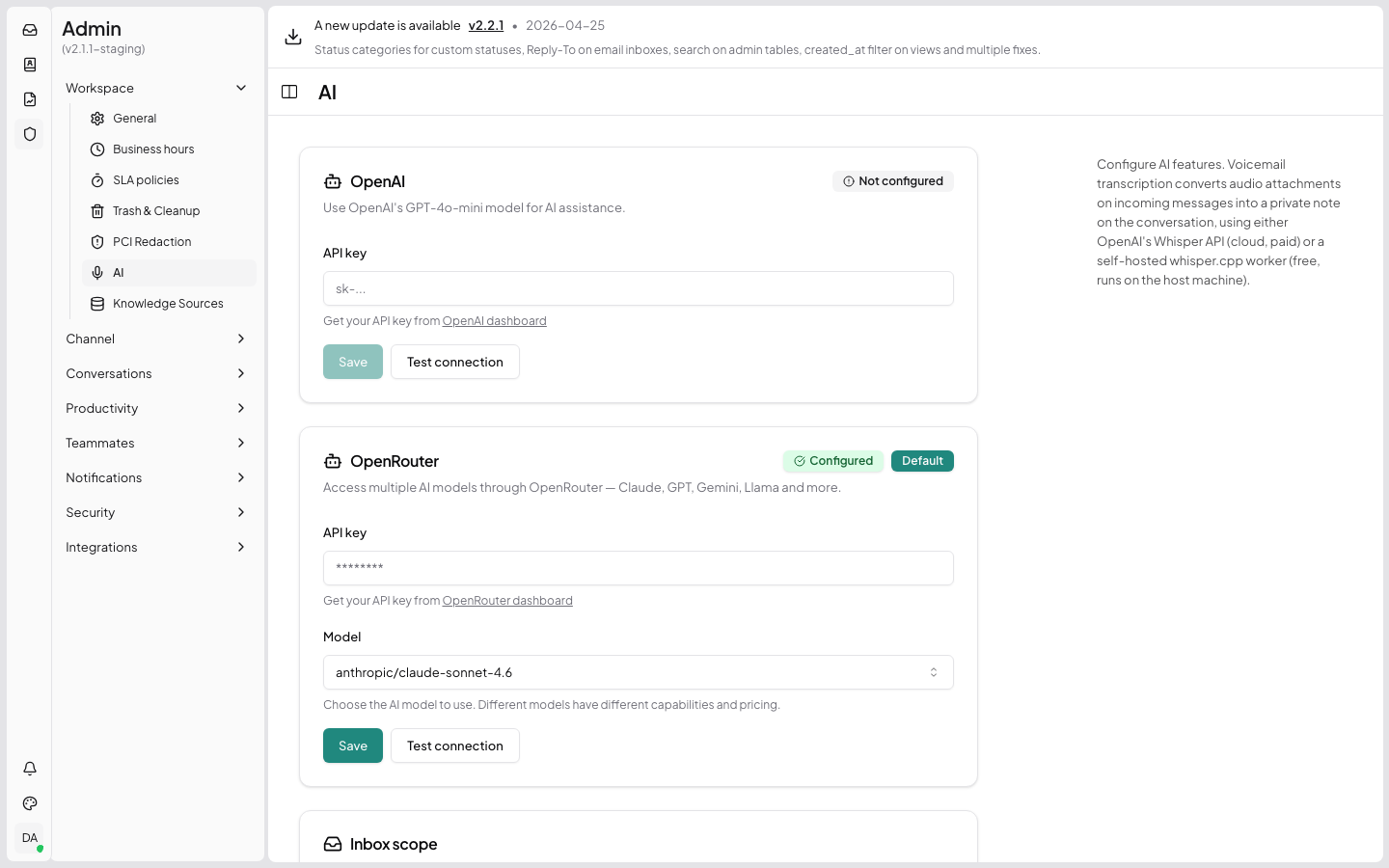
Multi-provider AI — OpenAI, Anthropic Claude, OpenRouter (100+ models). Configure providers under Admin → AI Settings.
Generate Response — agent-facing button that drafts an AI reply using the knowledge base. See
POST /api/v1/rag/generate.Knowledge sources — webpages, macros, custom snippets, file uploads. Vectorised with
pgvector. See RAG API reference.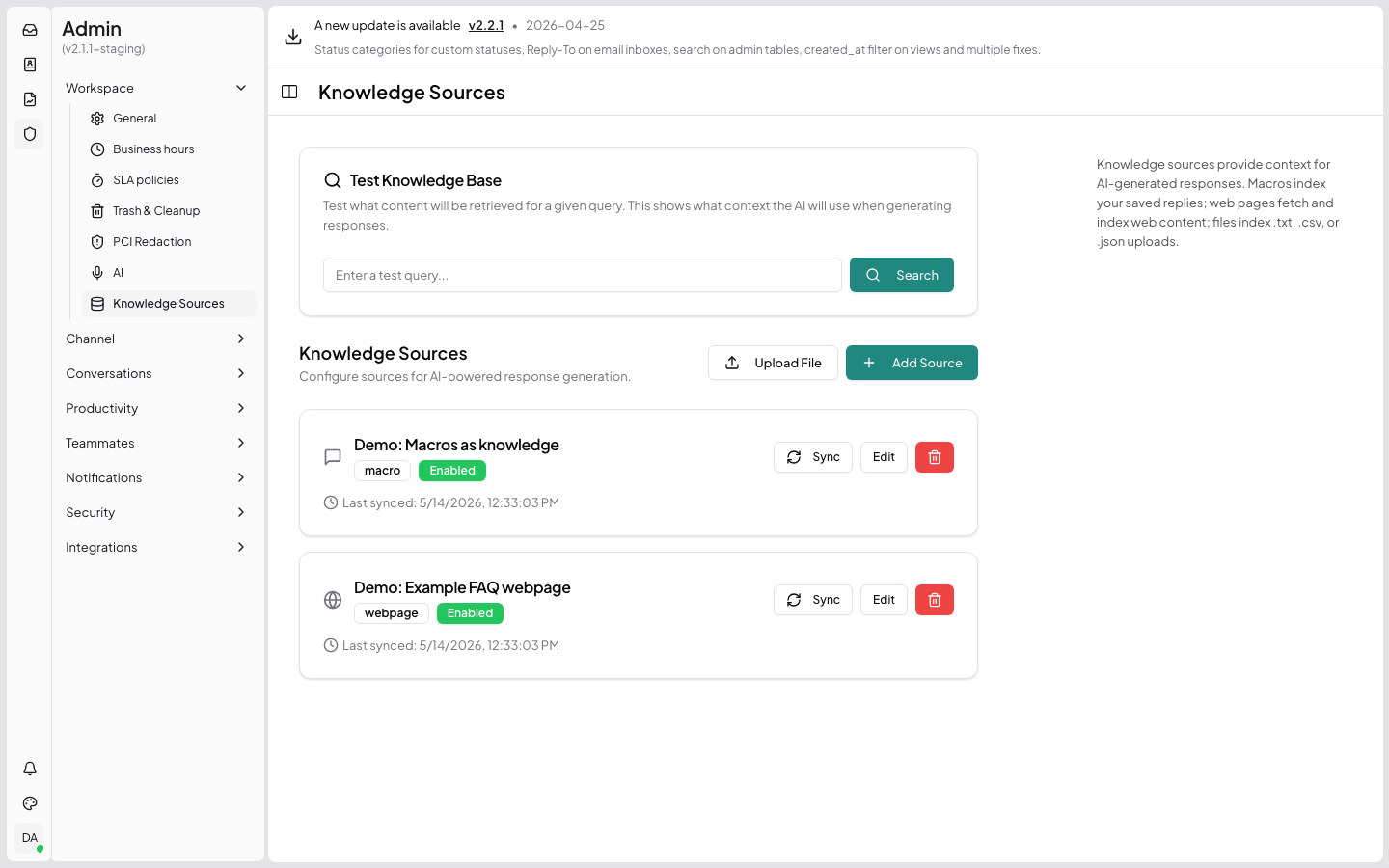
Per-inbox AI overrides — different inboxes can use different providers/models/prompts.
AI prompts library — built-in "Improve writing", "Make shorter", "Fix grammar", "Translate to..." actions available via the reply-box BubbleMenu.
Multimodal — inline images in the conversation are passed to the AI provider as base64 image content (resized to max 500x500).
Ecommerce integration
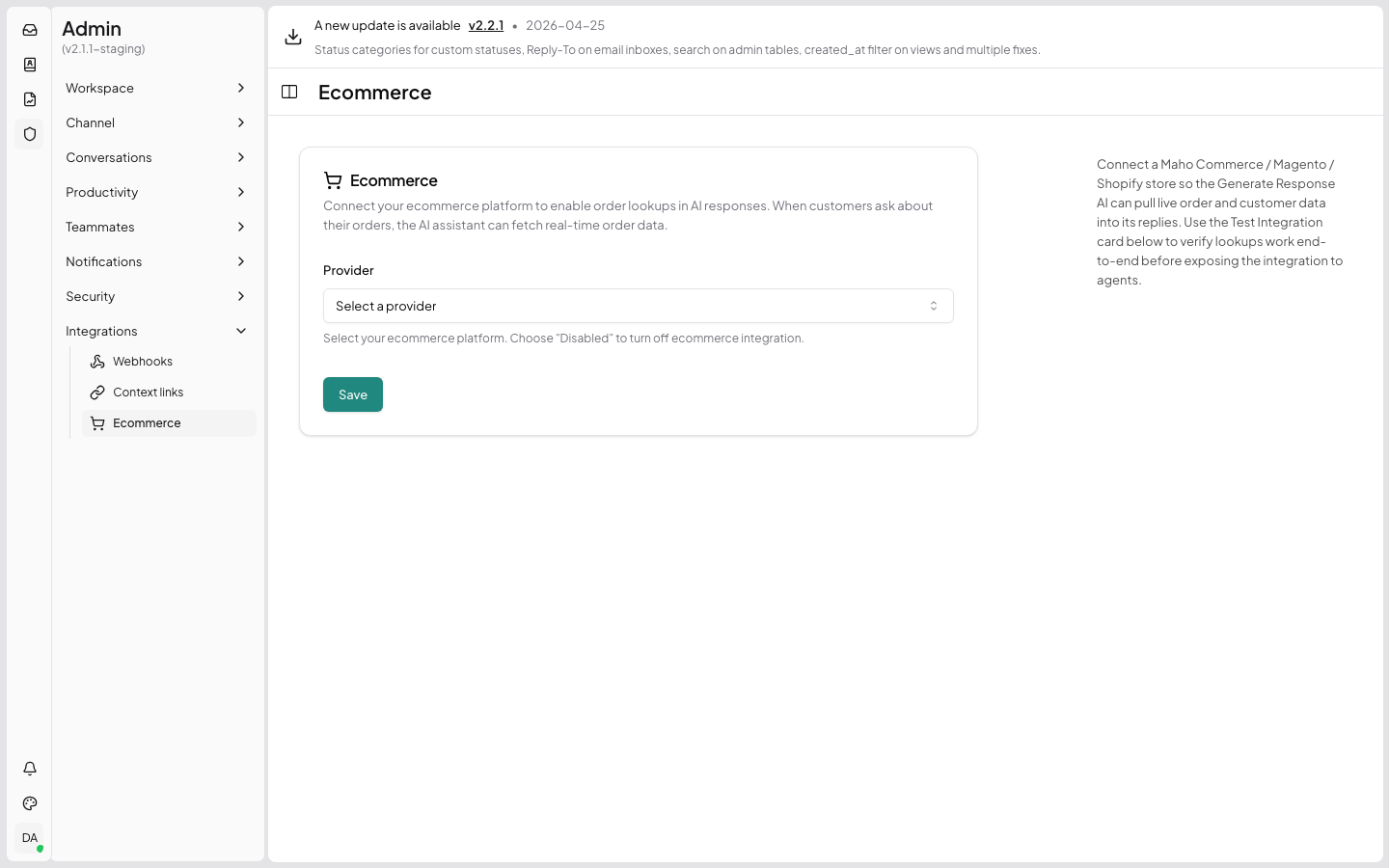
- Maho Commerce / Magento 1 provider with OAuth2 client_credentials auth.
- Customer + recent-orders surfaced inline in the reply box.
- "+ Orders" reply-box action — scans the conversation for order numbers and fetches full details into the AI context.
Workflow
Forward messages — forward any single message to an external recipient as a fresh email thread, with editable quoted context.
Followers — add agents as followers without making them the assignee. See Followers API.
Send & Resolve / Send & Close — atomic post-send status transition, gated on actual SMTP success (no more "ticket marked resolved but email never went out").
Bulk actions — checkboxes + shift-click range select on the conversation list, with bulk assign/status/priority.
Quick-assign dropdowns — inline agent/team/priority/status pickers on each conversation list row.
Macro toolbar button — one-click macro insertion in the reply editor (alongside the existing
Ctrl+Kflow).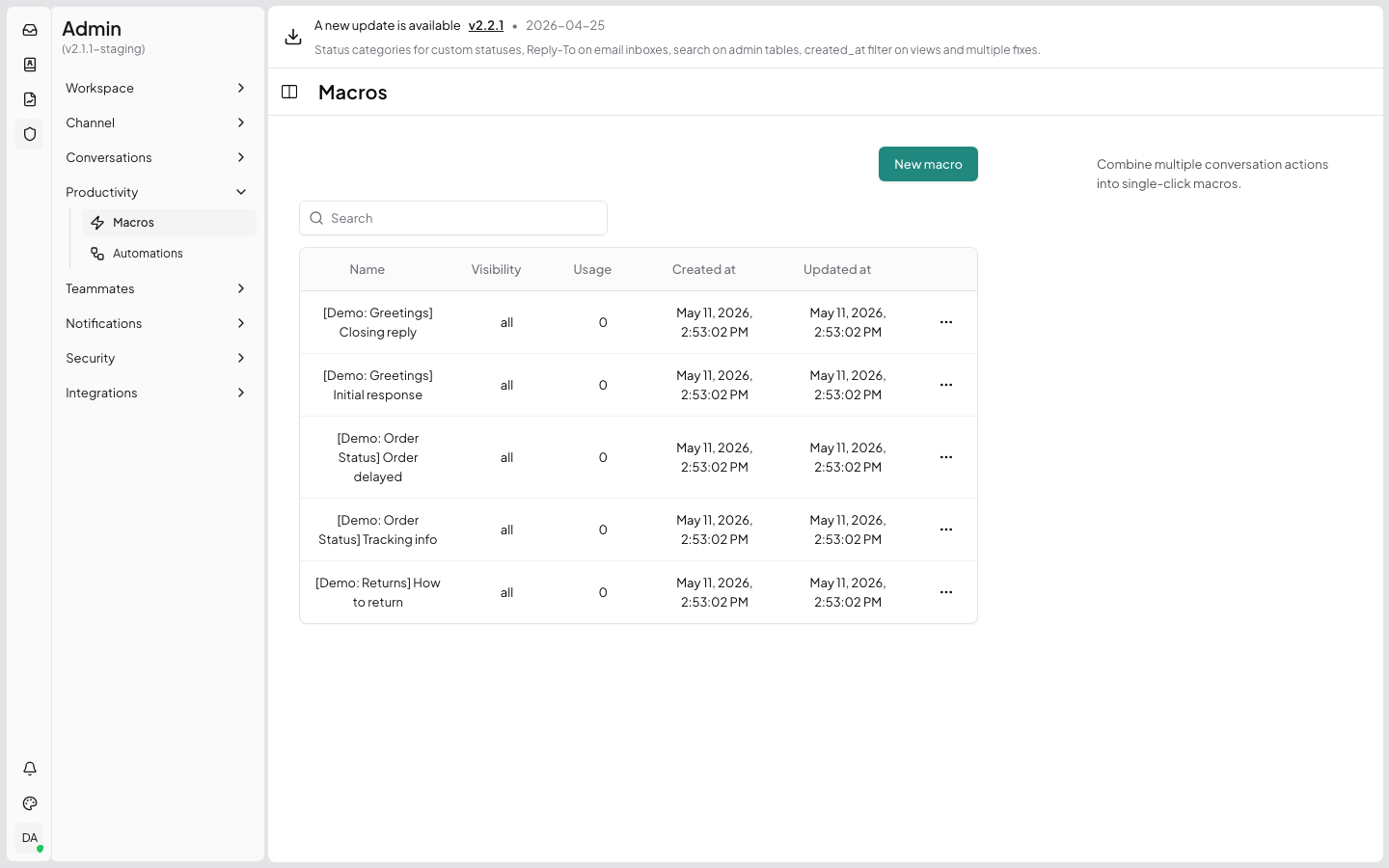
Compliance / safety
- PCI scrubbing — automatic card-data detection and redaction. Per-inbox opt-out.
- Auto-assign on reply — per-inbox toggle: when an unassigned ticket is replied to, auto-assign to the replying agent.
- Client-side email threading — quoted thread is built in the browser so agents can edit it before sending.
UI / UX
- Freshdesk theme — alternate theme with teal palette, collapsible reply box, full-width layout toggle.
- Theme switcher — agents pick the theme they prefer.
- Inline image support — paste / drag-drop images into the reply editor.
- Per-email remove buttons on TO / CC / BCC chips.